Download
Live stream to Meridix from desktop, smartphone, or tablet using the
software below.
Need hardware recommendations? Click Here
-
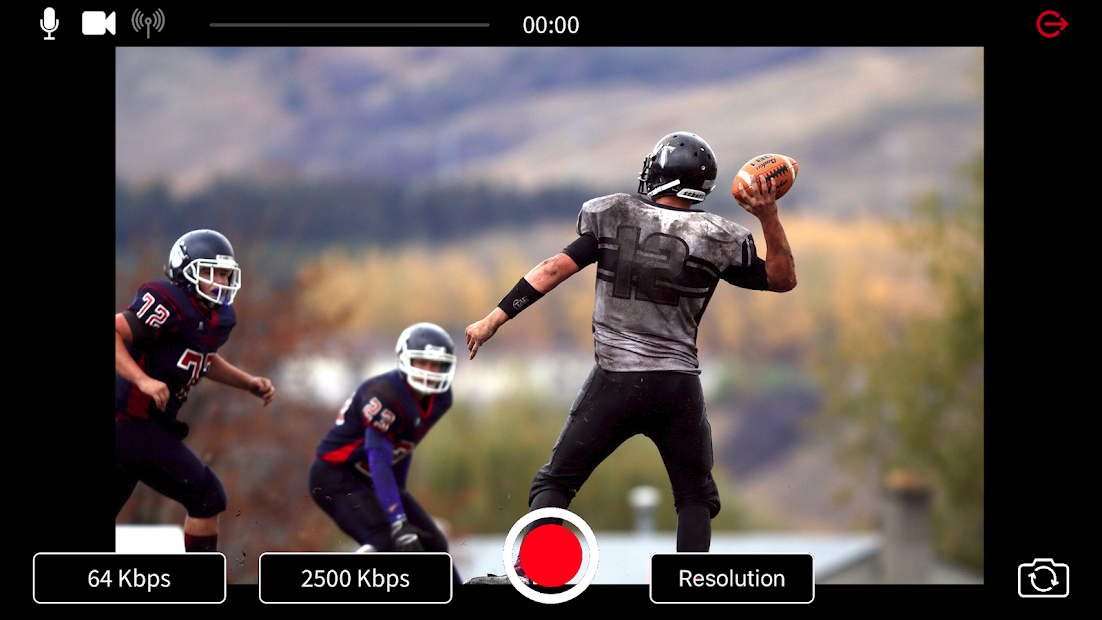
Meridix Live Broadcaster
Free | Audio or Video Broadcasting
Mobile
App for iOS and Android
-
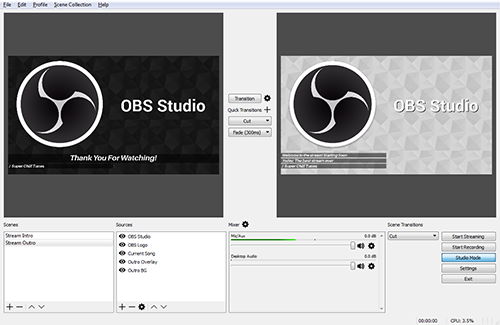
Open Broadcaster Software (OBS)
Free | Video Broadcasting Only
Desktop
Software for Windows, Mac, and Linux
-
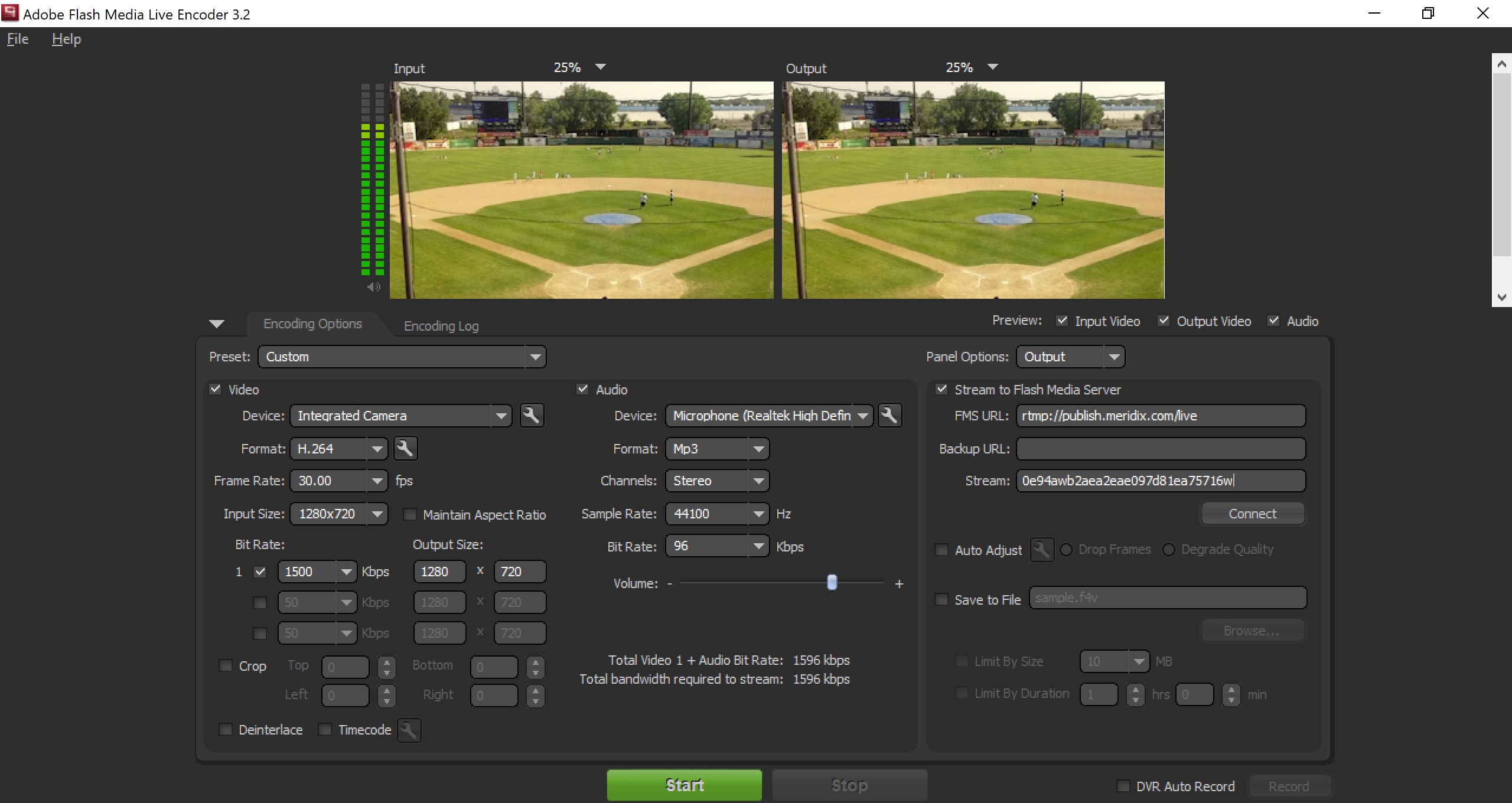
Flash Media Live Encoder (FMLE)
Free | Audio or Video Broadcasting
Desktop
Software for Windows and Mac
-
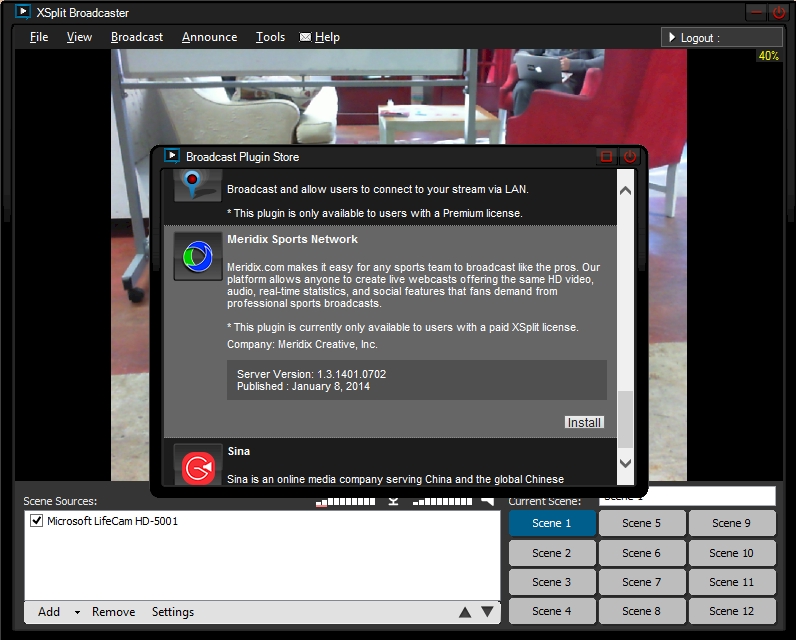
XSplit
Free or Paid | Video Broadcasting
Only
Desktop Software for Windows
-
vMix
Free or Paid | Video Broadcasting
Only
Desktop Software for Windows
-
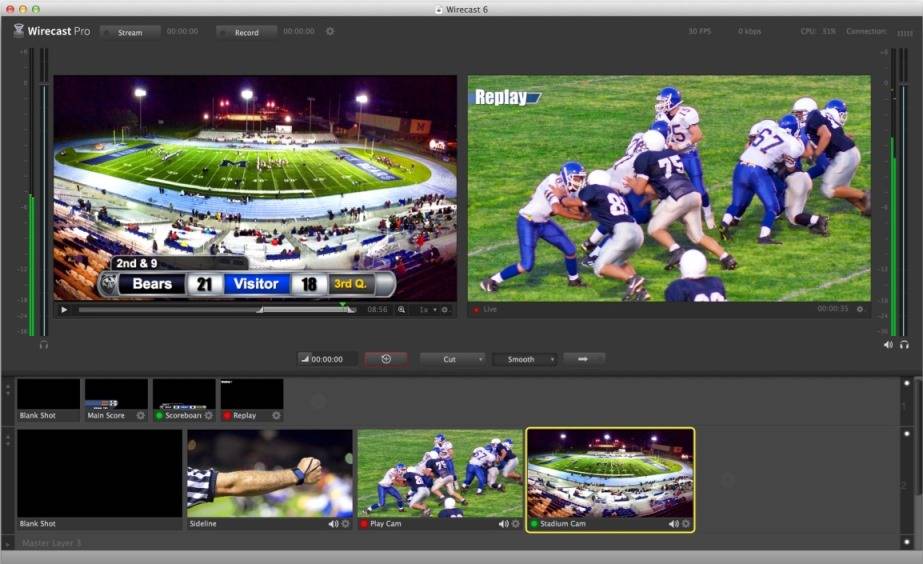
Wirecast
$495 and up | Video Broadcasting Only
Desktop
Software for Windows and Mac
-
Wowza GoCoder
Free | Audio or Video Broadcasting
Mobile
App for iOS and Android
-
Live:Air Solo
Free | Video Broadcasting Only
Mobile
App for iOS
-
Wirecast Go
Free or $5.99 | Video Broadcasting
Only
Mobile App for iOS
-
Larix Broadcaster
Free | Video Broadcasting Only
Mobile
App for iOS and Android
-
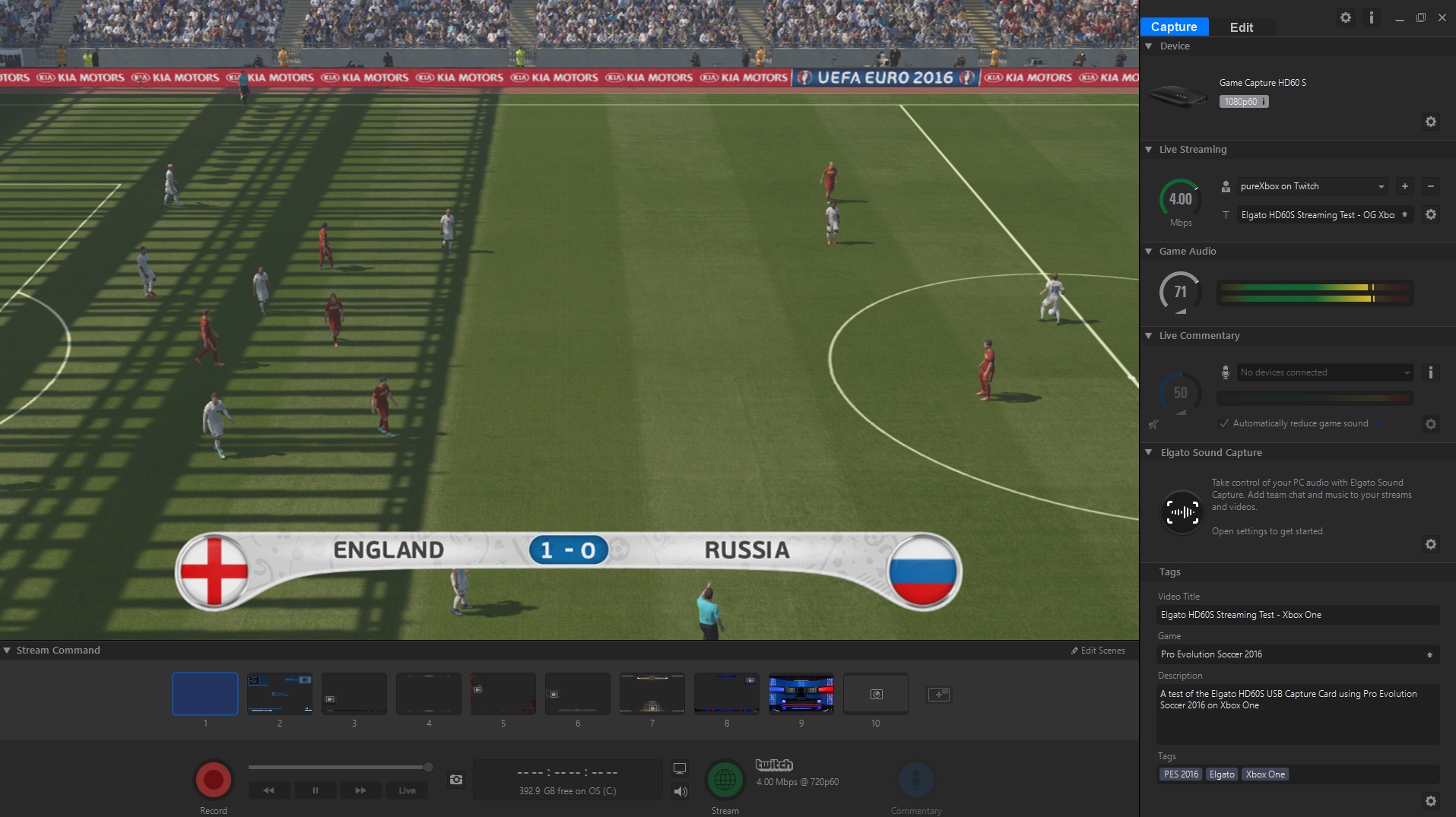
Elgato Game Capture
Free | Video Broadcasting Only
Desktop
Software for Windows and Mac
-
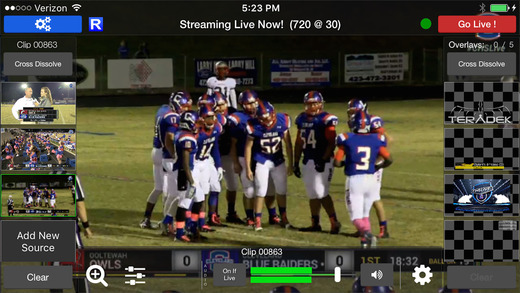
Switcher Studio
$25/mo and up | Video Broadcasting
Only
Mobile App for iOS
You can use any RTMP compatible encoder